App screenshots that sell
Drop screenshots. Add frames. Export.
No Figma. No design skills. Just store-ready assets in minutes.
No credit card required
iPhone · iPad · Pixel · Android Tablets
From screenshot to store-ready in three steps
Stop wasting hours in Figma. Framindo gets you from raw screenshots to polished store assets in minutes.
Drop your screenshots
Upload screenshots from your app. Supports iPhone, iPad, and Android devices.
Customize everything
Add device frames, text overlays, backgrounds, and layouts. Full control over every detail.
Export & publish
One-click export for all required sizes. Download as a zip, ready to upload to the stores.
Everything you need, nothing you don't
Built for developers who care about their app's first impression.
Device Frames
iPhone, iPad, Pixel, and more. Pixel-perfect mockups that match real devices.
Text Overlays
Add titles, subtitles, and captions. Customize fonts, sizes, colors, and positioning.
Multi-Locale
Generate localized screenshots for every market. One project, all your languages.
Custom Backgrounds
Solid colors, gradients, or image backgrounds. Make every screenshot on-brand.
One-Click Export
App Store and Google Play sizes. Download as a zip, ready to upload.
Cloud Projects
Save, load, and manage your projects from anywhere. Never lose your work.
Let your AI do the work
Framindo supports the Model Context Protocol. Connect your AI agent — it can create projects, add screenshots, customize layouts, and export. All without opening the browser.
> Create a project for my fitness app
> Add iPhone and iPad screenshots
> Set gradient background #FF6B6B → #E85555
> Export for App Store
✓ Exported 12 screenshots to project.zip
Stop settling for raw screenshots
Your app deserves better. Framindo adds the polish that converts browsers into downloaders.
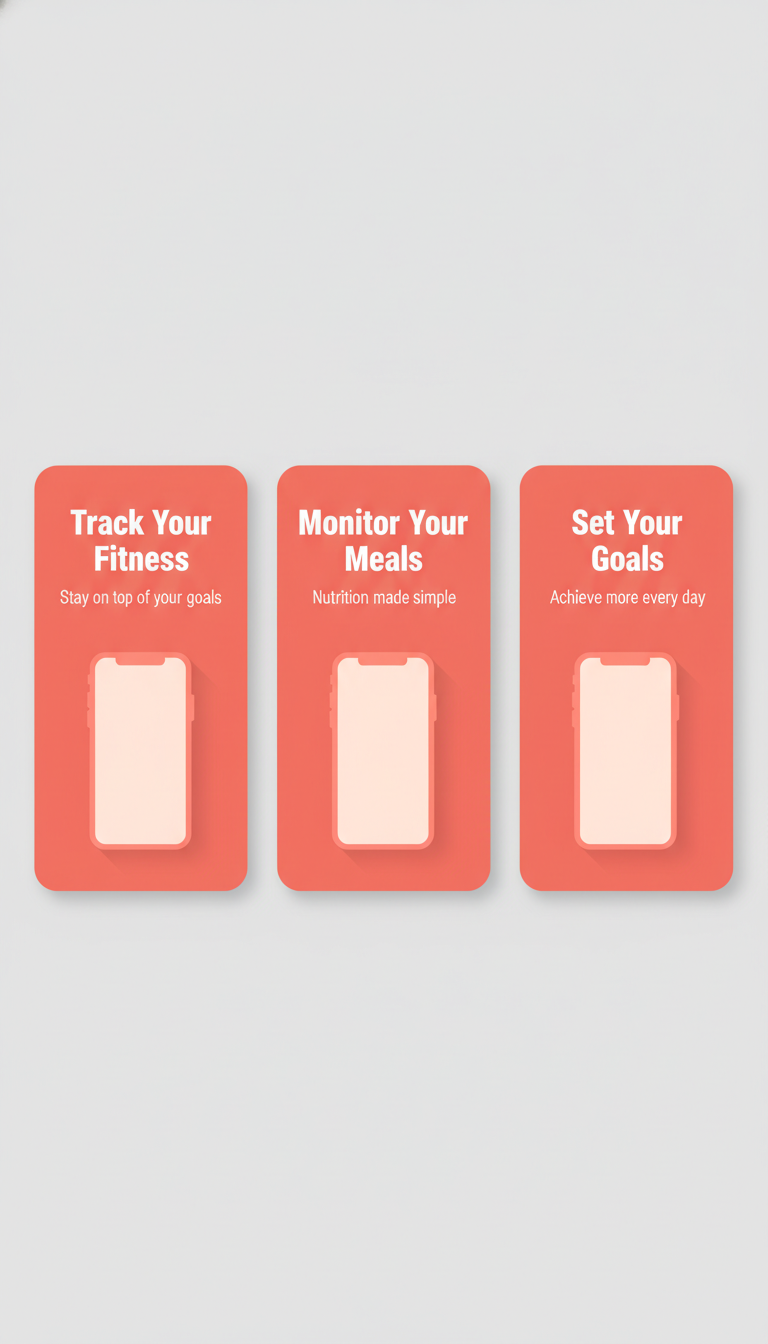
Before
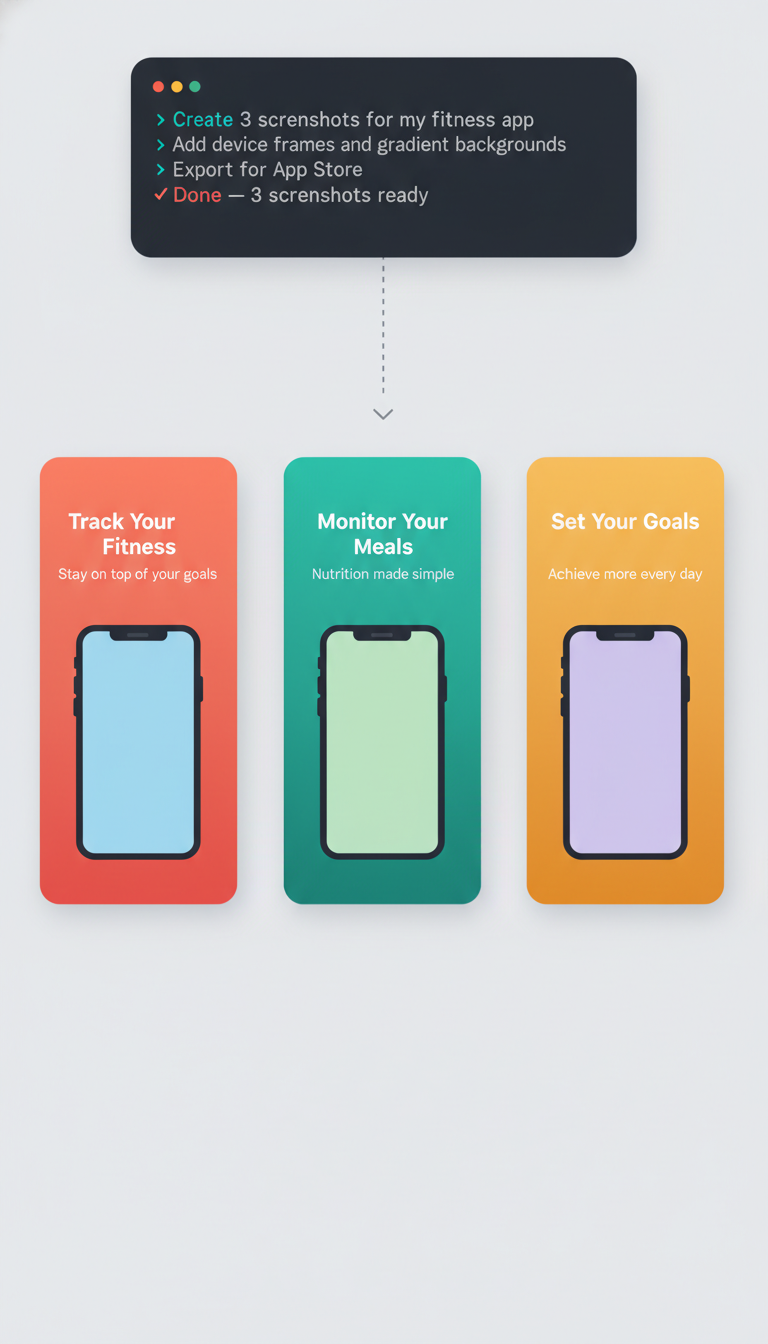
After — Framindo
Ready to make your app stand out?
Join developers who ship better screenshots with Framindo.
Get Started for Free